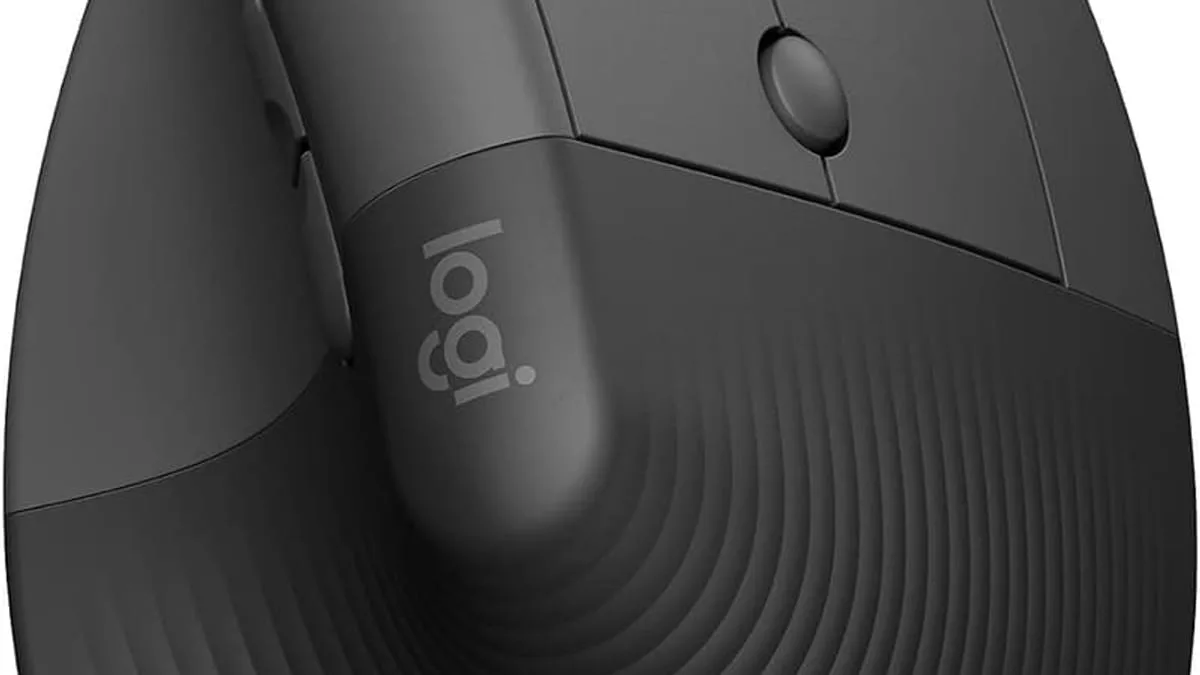
The best ergonomic desk upgrades under $100 in 2026 are the Logitech Lift vertical mouse (around $58) for wrist and forearm strain, a Quntis monitor light bar (around $40) for glare and eye fatigue, and a Scanfield under-desk cable tray (around $25) for keeping cables off the floor — but the right mix depends on whether you already have wrist pain, work in a dim room, or just have a cable jungle on the floor.
Most desk setups quietly encourage bad posture: a flat mouse forces your wrist into an awkward angle, and a keyboard propped flat makes you hunch. The fixes are cheap.
What is the best ergonomic upgrade under $100?
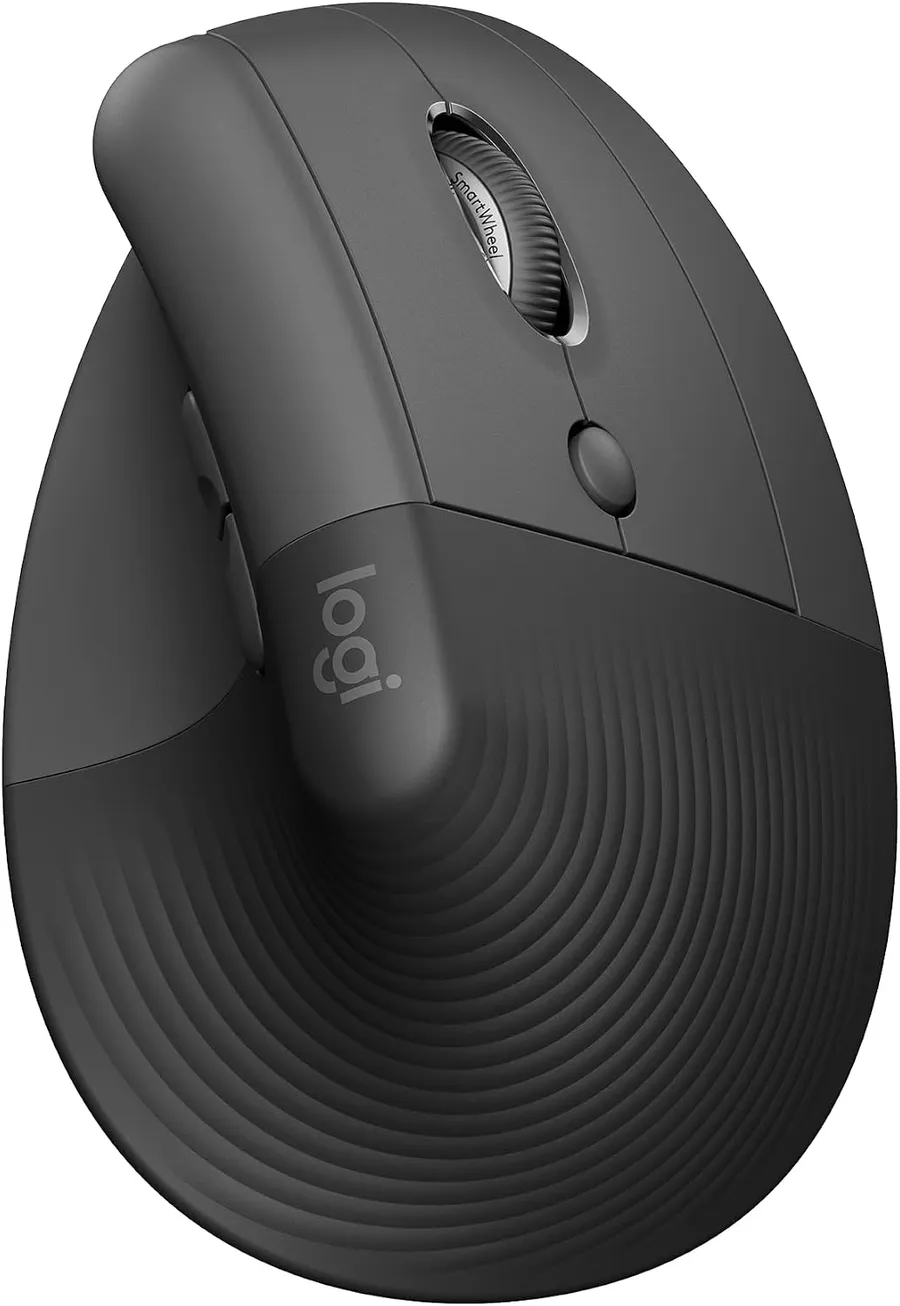
Start with the mouse. Vertical mice rotate your hand into a natural handshake position, which takes strain off the forearm and wrist. The Logitech Lift is the most popular model — a 57-degree vertical design, quiet clicks, up to 2 years of battery life and SmartWheel scrolling. It is designed for small to medium hands, with 4 of 6 buttons customizable.
Do monitor light bars actually help with eye strain?
Yes. A monitor light bar eliminates screen glare, lights your keyboard and documents evenly, and its auto-dimming sensor adjusts to room brightness. Flicker-free lighting (no PWM at low brightness) is the key detail for long nights — cheap light bars pulse and can cause headaches that you would otherwise blame on the screen.
What is the cheapest ergonomic fix for a desk?
Under-desk cable trays are the unsung hero of ergonomics: they get power strips and cable nests off the floor so you can sit closer to the desk without tangles. Adhesive versions install without drilling and cost under $25. Pair one with a vertical mouse and you have addressed the two biggest desktop ergonomic pain points for under $100 total.
What about a chair, footrest, or standing desk?
A wrist rest for your keyboard and a footrest round out the budget list. If you already have these, the next upgrade is a chair with adjustable lumbar support — but a good ergonomic chair is its own $300+ category, beyond the under-$100 brief.
What is the single best free ergonomic fix?
Pro tip: the best upgrade is free — take a 2-minute break every hour to stand and stretch. Studies of office workers have repeatedly found that micro-breaks every 45 to 60 minutes reduce reported wrist and shoulder pain by 20 to 30%. Equipment helps, but movement fixes more.
How to prioritize the upgrades if budget is tight
If you only have $50, spend it on the vertical mouse — that is the one ergonomic upgrade with the most peer-reviewed evidence for reducing carpal-tunnel pressure. Add the light bar next, the cable tray last.
- Vertical mouse (~$58): the single highest-impact ergonomic upgrade for most people.
- Monitor light bar (~$40): eliminates screen glare and reduces eye strain on long sessions.
- Under-desk cable tray (~$25): reclaims floor space and stops you sitting too far from the desk.
- Keyboard wrist rest (~$20): takes pressure off the heel of the hand during heavy typing days.
- Footrest (~$30): only worth it if your feet don’t sit flat on the floor at your current chair height.
As an Amazon Associate, I earn from qualifying purchases.
Frequently Asked Questions
For most people, yes. A vertical grip keeps your wrist in a neutral handshake position, reducing pressure on the carpal tunnel area.


