The 4 specs that matter most when buying a UPS for your PC are wattage (not VA), pure sinewave output, automatic voltage regulation (AVR), and battery warranty — but the right pick also depends on whether you need to back up a desktop PC, a workstation, or just a modem and router.
A UPS (uninterruptible power supply) is a battery that sits between your wall and your computer. When the power blips, your PC keeps running instead of losing unsaved work.
Why does wattage matter more than VA on a UPS?
Size it in watts, not VA. A 1500VA unit with 1000W capacity comfortably powers a desktop PC, monitor and router — roughly 15-30 minutes of runtime during an outage, depending on load. VA is the apparent power the unit can deliver, but wattage is the actual usable power; modern active-PFC power supplies draw closer to the wattage rating than the VA rating, so a low-wattage unit will shut off mid-outage even with VA headroom.
Do I need a pure sinewave UPS?
Output type matters. Pure sinewave output delivers clean power that sensitive electronics — especially modern PCs with active PFC power supplies — prefer over simulated sinewave. Simulated sinewave UPS units can cause Active PFC PSUs to overheat, behave erratically, or refuse to switch to battery at all. If you have an 80+ Gold or Platinum PSU, a pure sinewave UPS is the safe choice.
What is AVR on a UPS?
Automatic voltage regulation (AVR) is the quiet hero. It corrects low and high voltage without switching to battery, so your gear runs on clean power even when the wall voltage is sloppy. In areas with dirty power, this means your PC sees a steady 120V instead of a slowly degrading input, and the battery only kicks in for real outages — which extends battery life considerably.
What else should I check on a UPS?
A short checklist of features that matter in daily use:
- Outlet count: 8+ outlets means your PC, monitor, router, modem and external drive are all covered. Split between battery-backed and surge-only outlets.
- Data-line surge protection: Ethernet or coax jacks on the back panel stop a surge from frying your network card or cable modem.
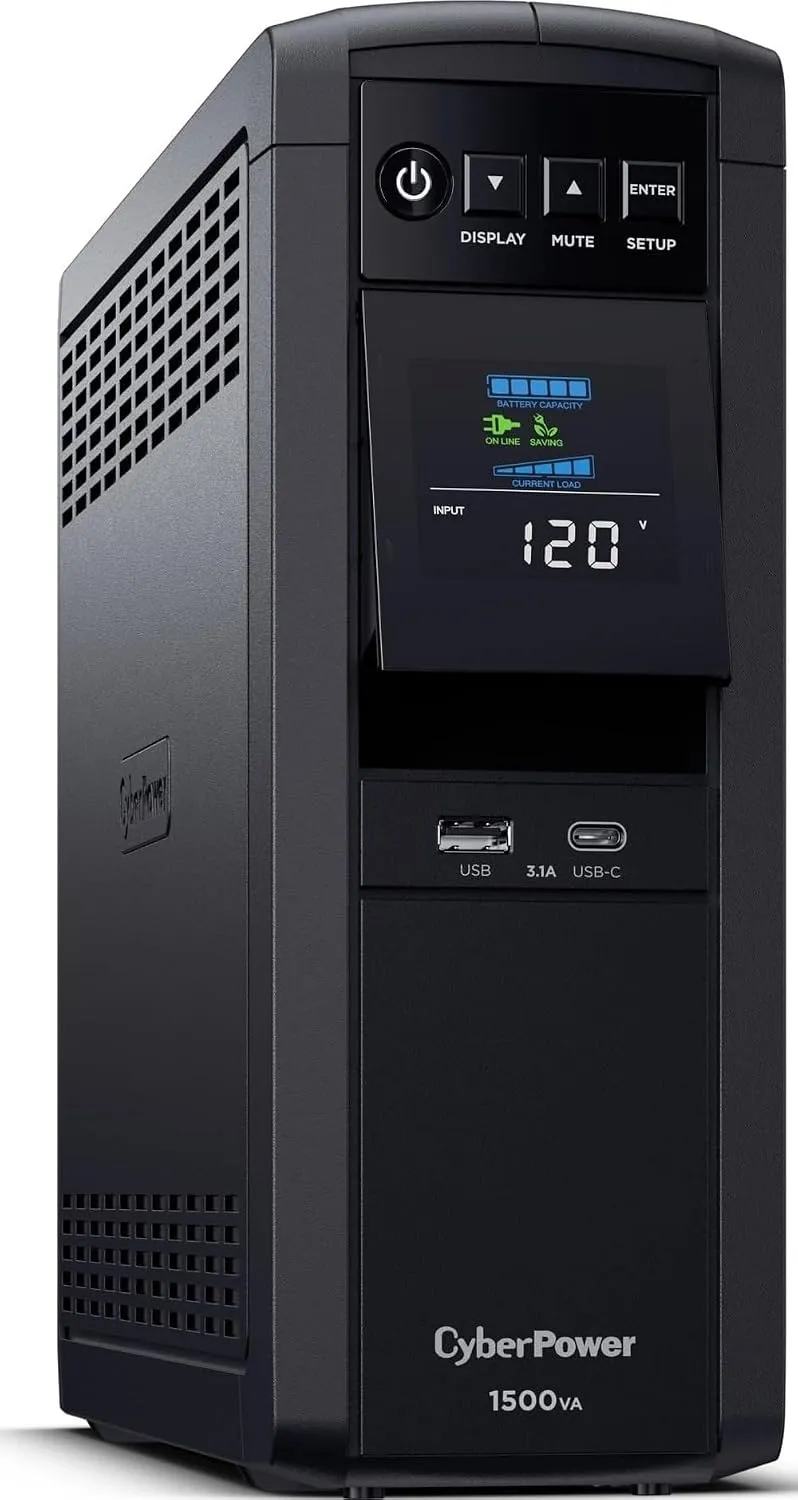
- Display: a color LCD that shows load percentage, input voltage and estimated runtime is worth paying for — you can see at a glance why the PC rebooted.
- Replaceable battery: every UPS battery dies in 3-5 years. If the battery is user-replaceable, you do not have to buy a new UPS.
- Software: Windows and macOS shutdown agents give you automatic graceful shutdown when the battery runs low.
What is the best UPS for a home office in 2026?
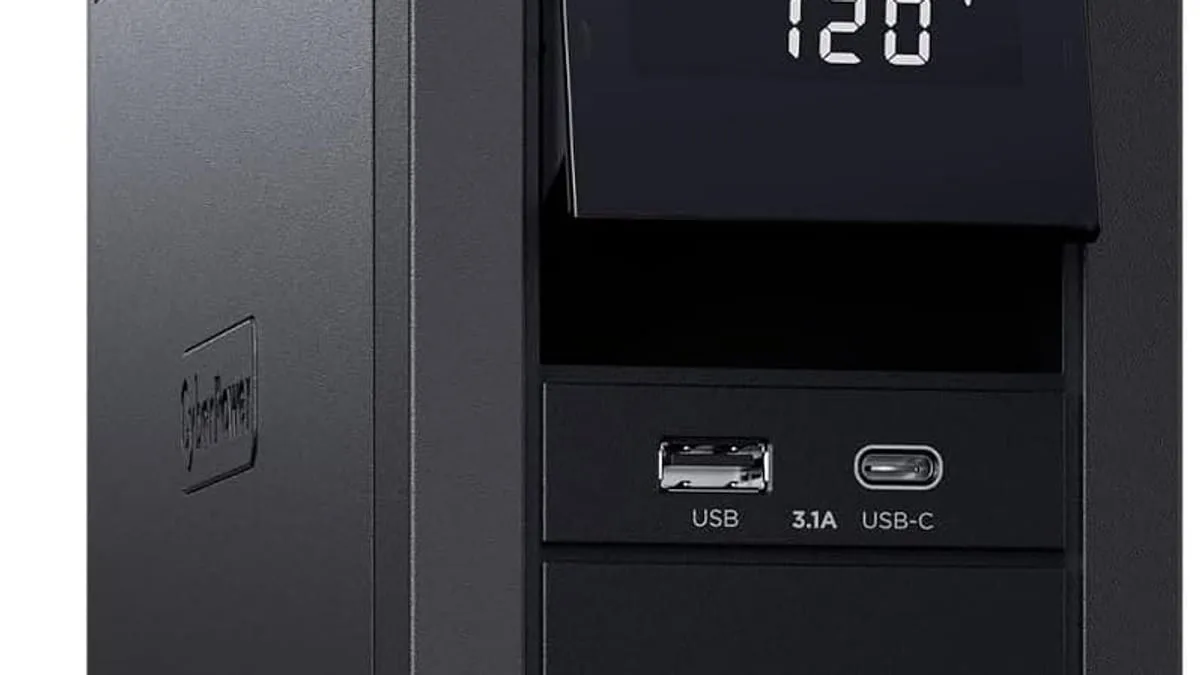
The CyberPower CP1500PFCLCD is the benchmark pick: pure sinewave, AVR, 12 outlets, a color LCD that shows load and runtime, plus a 3-year warranty including the battery. For just a router and modem, a smaller 600VA unit lasts longer on the same battery — the right UPS is the one sized for the load you actually have.
Where should I put a UPS and how do I test it?
Where to put it: next to your computer, not in a closed cabinet — batteries need airflow. And test the unit once a month by pressing the test button. Most UPS units beep or display a warning when the battery can no longer hold a useful charge.
As an Amazon Associate, I earn from qualifying purchases.
Frequently Asked Questions
A 1000W unit runs a typical desktop about 15-30 minutes — enough to save work and shut down cleanly. Runtime shrinks as you add load.


