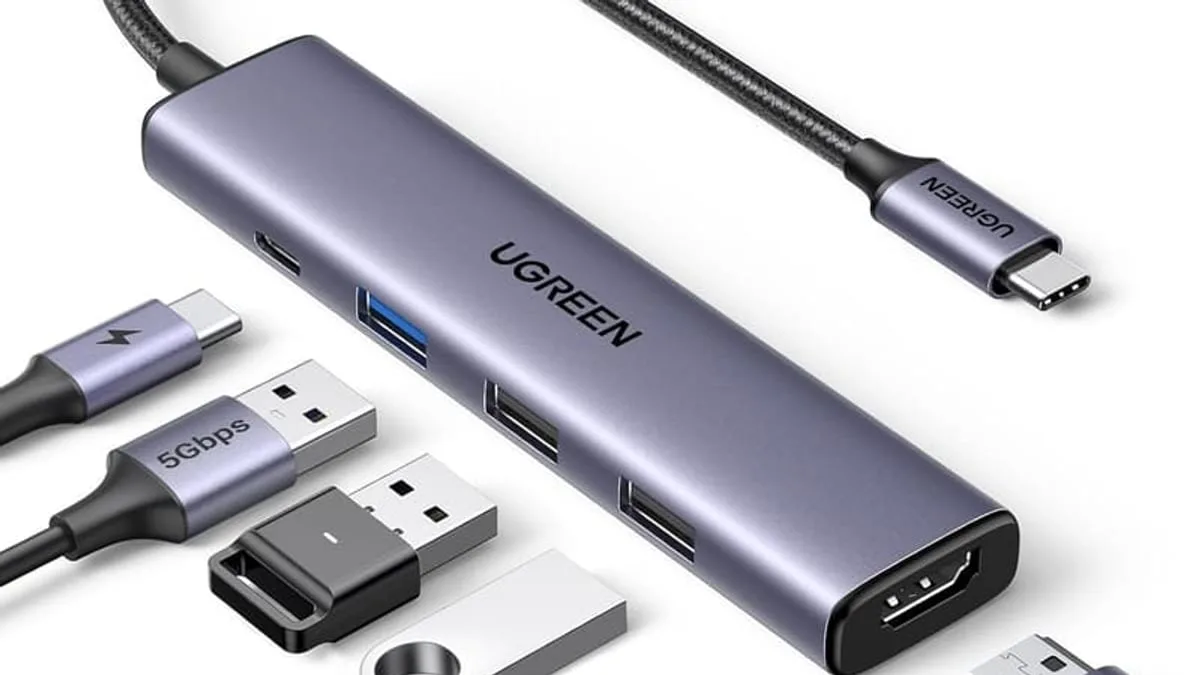
The best USB-C accessories under $50 in 2026 are the UGREEN 5-in-1 USB-C hub with 4K HDMI for desk setup (around $13 on sale), the 140W Smart Auto Stop USB-C charger for replacing multiple bricks, and an ultra-slim MagSafe power bank with LED display for travel — but the right mix depends on whether you need more ports, faster charging, or backup power on the go.
USB-C has become the universal port for laptops, phones, tablets and even headphones. The good news? You no longer need to spend a fortune to build a reliable USB-C setup — the best accessories under $50 handle 90% of everyday needs.
What is the most useful USB-C accessory under $50?
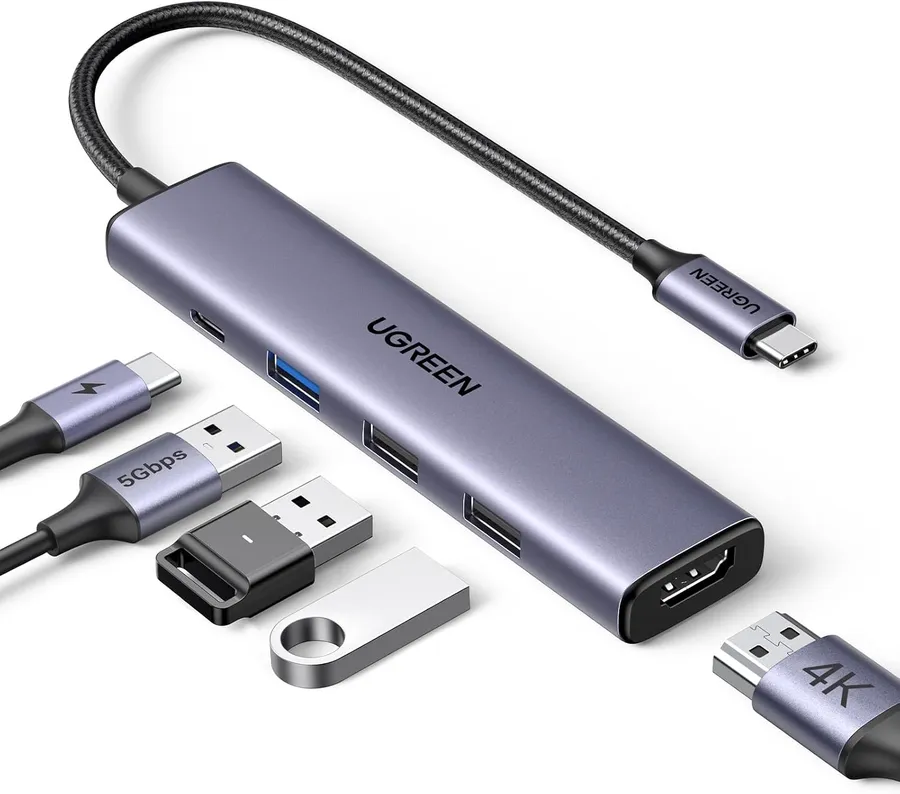
The single most useful accessory for most people is a compact hub. A 5-in-1 hub with 4K HDMI output, 100W power delivery and a couple of USB-A ports turns a modern slim laptop into a full workstation. The UGREEN 5-in-1 hub is the value benchmark at roughly $13 on Amazon — plug-and-play, no drivers, and it runs cool under load.
What is the best USB-C charger under $50?
Chargers matter just as much. A 140W USB-C fast charger with a physical cut-off switch can replace the bricks that came with your phone, tablet and laptop. The auto-stop feature is a genuinely useful extra: it cuts power when your device hits full charge, which keeps batteries healthier over time and prevents the slow "trickle charge" heat that ages cells.
What is the best MagSafe power bank under $50?
Power banks are the third pillar of a good USB-C kit. If you carry an iPhone, an ultra-slim MagSafe power bank with a built-in LED display is the most pocket-friendly option, though you will trade capacity for thinness — most sub-$50 MagSafe banks sit between 5,000 and 10,000 mAh, which is one to two full iPhone charges.
What is the best travel USB-C accessory?
Round out your kit with a foldable 3-in-1 wireless charger for your nightstand. It keeps your iPhone, AirPods and Apple Watch in one tidy spot, and foldable designs pack flat for travel. The UEQ Foldable 3-in-1 is a strong under-$40 option.
How to spot a bad USB-C accessory
A practical rule for shopping: spend on the hub and the charger, save on the cables. Cheap certified cables with USB-IF branding are fine for most desks. A few red flags to avoid:
- Unbranded hubs with no chipset markings: they often throttle USB 3.0 speeds to USB 2.0 in practice.
- Cables without USB-IF certification: a real eMarker chip protects USB-C devices from overcurrent damage.
- Chargers that don't list wattage and protocol support: a vague "fast charger" without PD or PPS specs is doing 5W.
- Power banks with no listed capacity in mAh and no safety certifications (UL, CE, FCC): a real fire risk.
As an Amazon Associate, I earn from qualifying purchases.
Frequently Asked Questions
Yes — most modern hubs are plug-and-play with macOS, Windows and ChromeOS. The UGREEN 5-in-1 model in this guide works with MacBook out of the box with no drivers.


