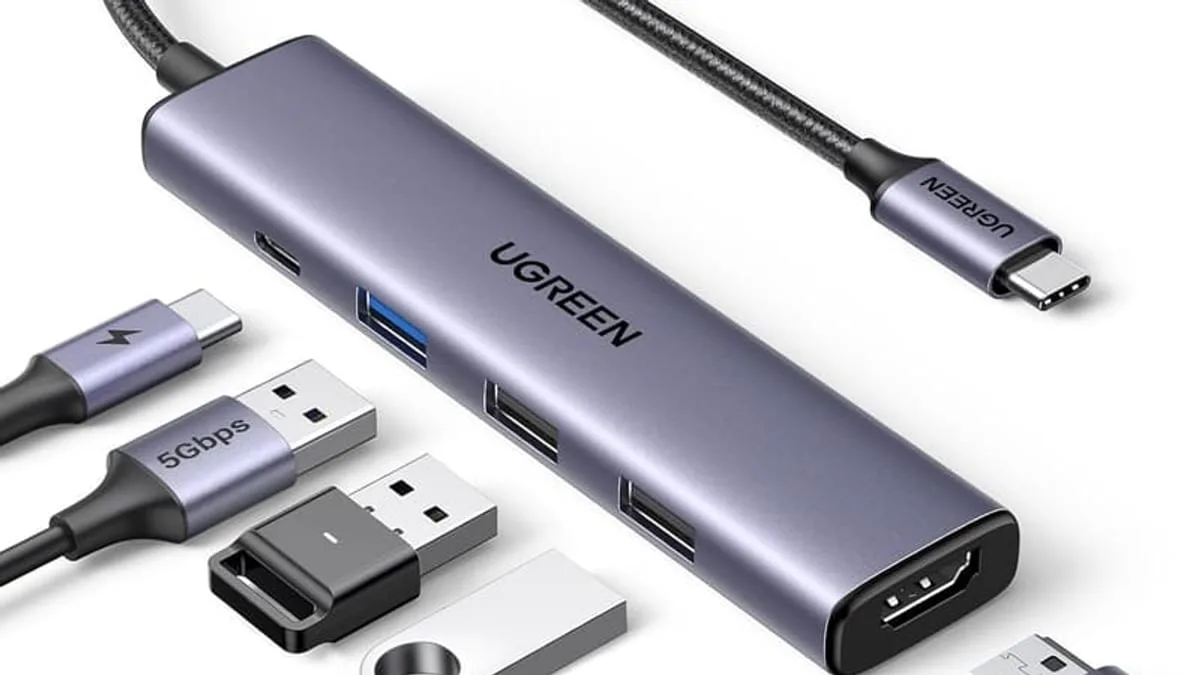
To choose the right USB-C hub in 2026, check five things in this order: 4K HDMI at 60Hz video output, 100W power delivery pass-through, USB-A 3.0 or better data ports, plug-and-play driver support, and physical build quality — but the fastest way to a good pick is to decide whether you need HDMI at all, because HDMI support is what separates a $15 hub from a $50 one.
Modern laptops have one or two USB-C ports, and that is it. A USB-C hub turns that single port into a dock for your monitor, keyboard, mouse and charger — but the specs matter.
What specs actually matter on a USB-C hub?
Five things to verify before you click Buy. Skip any one and the hub will fail the use case you actually bought it for.
- HDMI version and refresh: 4K at 60Hz needs HDMI 2.0 + DisplayPort 1.4 alternate mode. 4K at 30Hz (cheaper hubs) makes text look soft on large monitors.
- Power Delivery (PD) pass-through: 100W input / 65-87W output is the modern standard. Without it, your laptop drains while connected to a monitor.
- USB-A data port speed: USB 3.0 (5 Gbps) minimum. For external SSDs, look for USB 3.2 Gen 2 at 10 Gbps — most sub-$20 hubs cap at 5 Gbps.
- Driver-free plug-and-play: should work on macOS, Windows, ChromeOS, and iPadOS without installing anything. Avoid hubs that need a software installer.
- Thermal design: hubs that get hot to the touch under load throttle your devices. A metal body or venting helps.
What is the best USB-C hub for a MacBook?
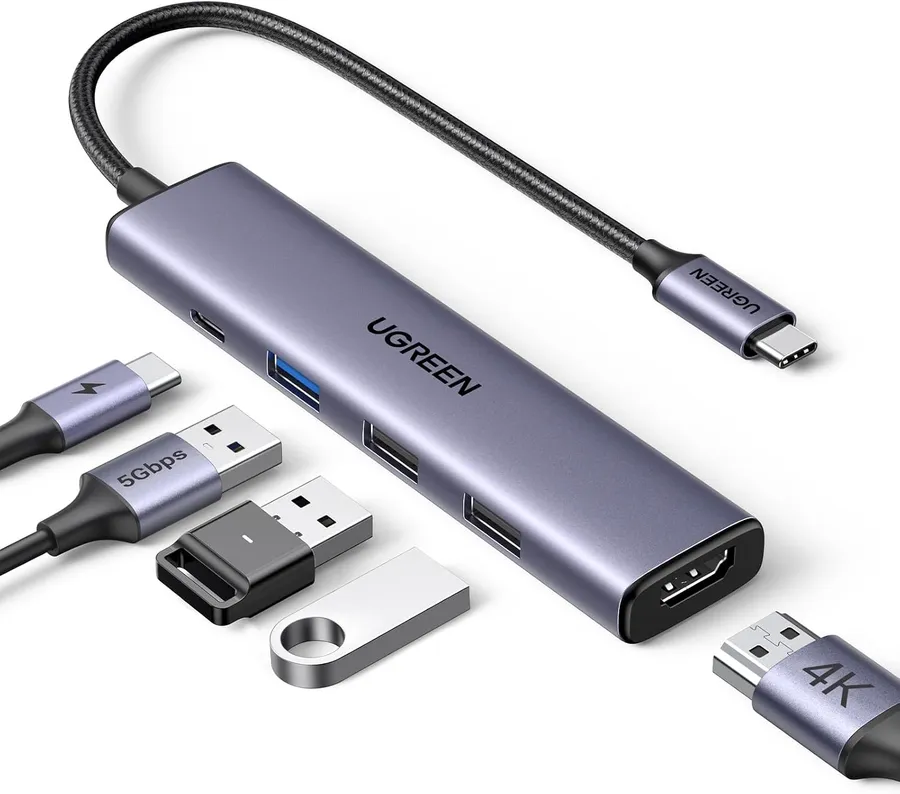
The UGREEN 5-in-1 hub nails the essentials: 4K HDMI at 30Hz, 100W PD, three USB-A 3.0 data ports, plug-and-play with no drivers, in a compact design that travels in a pocket. It is MacBook compatible and costs less than a lunch for two.
How many ports do you actually need?
Most people only need HDMI + 2 USB-A + 100W PD. If you also need Ethernet, SD card slot, or 3.5mm audio, the price gap between "hub" and "dock" is real — but most people never need the extras. Count the ports you would actually use this week, not the ports that look good on the spec sheet.
Are cheap USB-C hubs safe for the laptop?
Avoid hubs with no chipset markings — they often throttle USB 3.0 to USB 2.0 in practice even when the box claims 5 Gbps. Look for VL817, RTD2173 or similar well-known hub controller chips. If the listing doesn't name a chipset, assume the worst.
As an Amazon Associate, I earn from qualifying purchases.
Frequently Asked Questions
Most hubs are OS-agnostic and work with USB-C laptops from Apple, Dell, HP, Lenovo and more. Some dual-display features are Thunderbolt-only, so check your ports.


