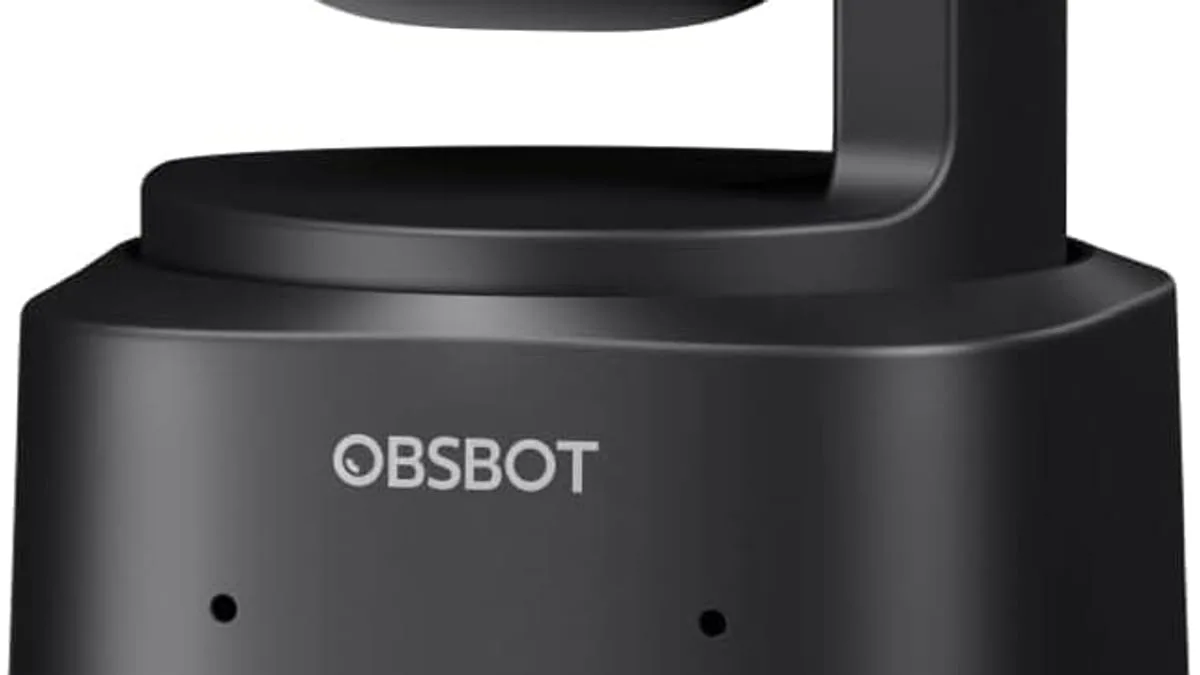
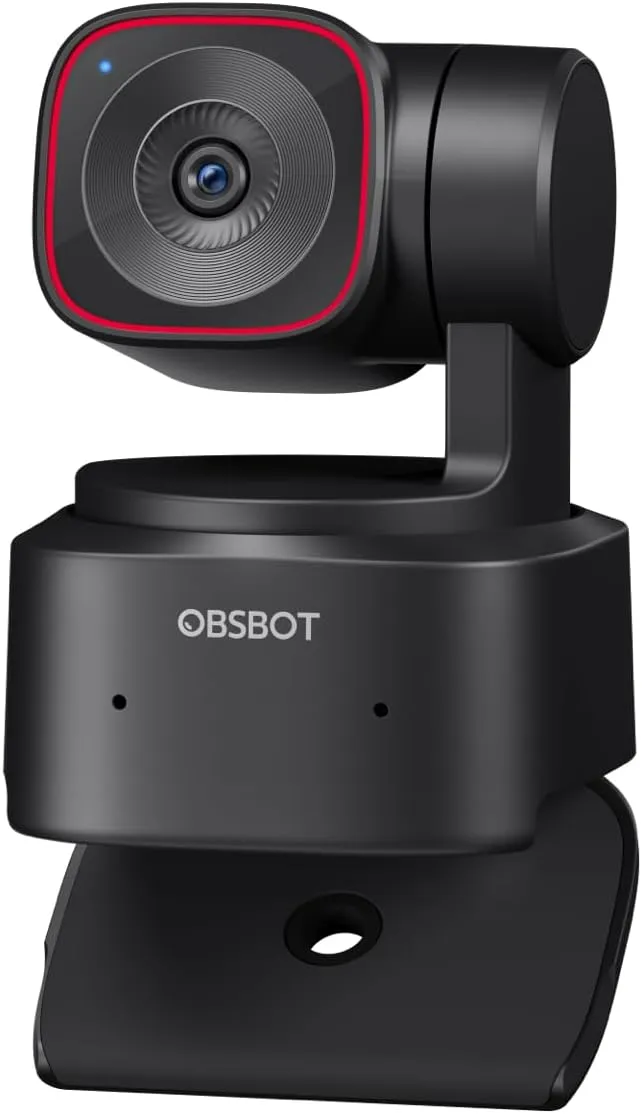
An AI-tracking webcam is a camera on a motorized gimbal that pans, tilts and zooms to keep you framed automatically. The 5 features that matter are: on-device person detection (locks onto your face/body), predictive movement smoothing (glides instead of jerking), gesture control (hand signals to follow or zoom), a large 1/2-inch sensor for clean video, and HDR to keep your face exposed against bright windows. You need one if you present standing, teach, or stream actively — not for desk-bound meetings.
An AI-tracking webcam is a camera on a motorized gimbal that pans, tilts and zooms to keep you framed — even when you stand up, walk across the room or turn to a whiteboard.
How does the AI tracking actually work?
The "AI" part is person detection running on the camera itself: it locks onto a face or body and predicts movement so the gimbal glides instead of jerking. Because the tracking runs on-device, it works in any app — Zoom, Teams, OBS — without installing drivers or companion software.
What does gesture control do?
Most tracking webcams also add gesture control — hold up a hand and the camera follows you; make a frame gesture and it zooms to you. Useful when you are mid-sentence and cannot touch the app. It is a premium feature worth having only if you present or demo hands-on.
Why does the sensor size matter?
The hardware underneath matters: a 1/2-inch sensor (like the OBSBOT Tiny 2 Lite) gives the tracking software clean video to work with, and HDR keeps your face exposed with a bright window behind you. A small 1/2.8-inch sensor produces noisier video in a dim home office, which the tracking algorithm then struggles to follow.
Who should buy an AI tracking webcam?
Who benefits? Streamers who move while presenting, teachers and tutors who work at a whiteboard, and fitness or cooking creators who demo hands-on. Anywhere you stand up, walk, or turn your back to the camera, tracking earns its cost.
Who does not need one?
Who does not need one? Desk-bound meeting participants. A fixed 4K webcam with autofocus is cheaper and perfectly framed for sitting down. If you never leave your chair on camera, you are paying a gimbal premium for movement you will not use.
What is the best setup position for tracking?
One setup note: place the camera at eye level, not on your lap — tracking works best when the camera can see your face, not your ceiling. Eye-level placement gives the detection a clear, stable face to lock onto, which is what makes the movement prediction smooth instead of searching.
Quick AI-tracking webcam checklist
- On-device tracking: works in any app, no driver or companion software.
- Face and body detection: lock onto you even when you turn away.
- Gesture control: hand signals to follow, frame and zoom.
- 1/2-inch sensor: clean video in dim lighting for reliable tracking.
- HDR: keeps your face exposed with a bright window behind you.
As an Amazon Associate, I earn from qualifying purchases.
Frequently Asked Questions
On-device person detection locates you in the frame and drives a motorized gimbal to keep you centered, predicting movement to avoid jitter.


