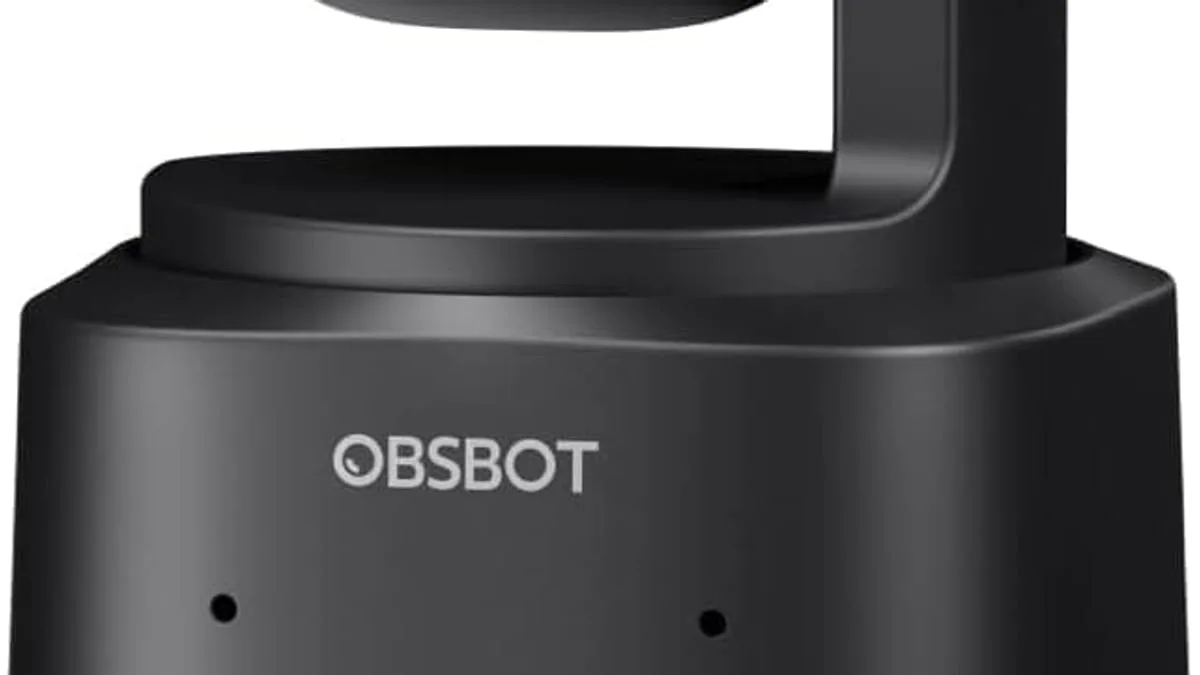
The 6 specs that actually matter on a 4K webcam in 2026 are sensor size (1/2" or larger), PDAF autofocus, field of view, low-light performance, microphone quality, and AI tracking if you present standing up — but the right pick depends on whether you are in desk meetings, recording yourself while teaching, or live streaming.
Every webcam says "HD". Few say what actually matters: sensor size, autofocus behavior, field of view and low-light performance.
Why does sensor size matter more than megapixels?
Sensor size beats megapixels. A 1/2-inch sensor in a webcam like the OBSBOT Tiny 2 Lite captures noticeably better low-light video than a 1/2.7-inch sensor in cheaper models. Bigger pixels = cleaner image, especially in the dim rooms where most webcam calls happen. The pixel-size math: a 1/2" sensor at 4K has roughly 1.5 to 2x the pixel area of a 1/2.7" sensor at the same resolution.
What kind of autofocus should a 4K webcam have?
Autofocus is where cameras separate. Phase-detection autofocus (PDAF) locks on your face quickly and keeps it sharp as you move. Contrast-based AF hunts and blurs in low light. PDAF is the same technology used in mirrorless cameras and is the single biggest upgrade for desk meeting webcams.
What field of view do I need?
Field of view: 65-75 degrees for solo meetings and streaming; 90+ degrees only if you share your desk or room on camera. Wider FOV makes the subject look smaller at the same distance — pair a wide FOV with a closer sitting position to compensate.
Do I need AI tracking?
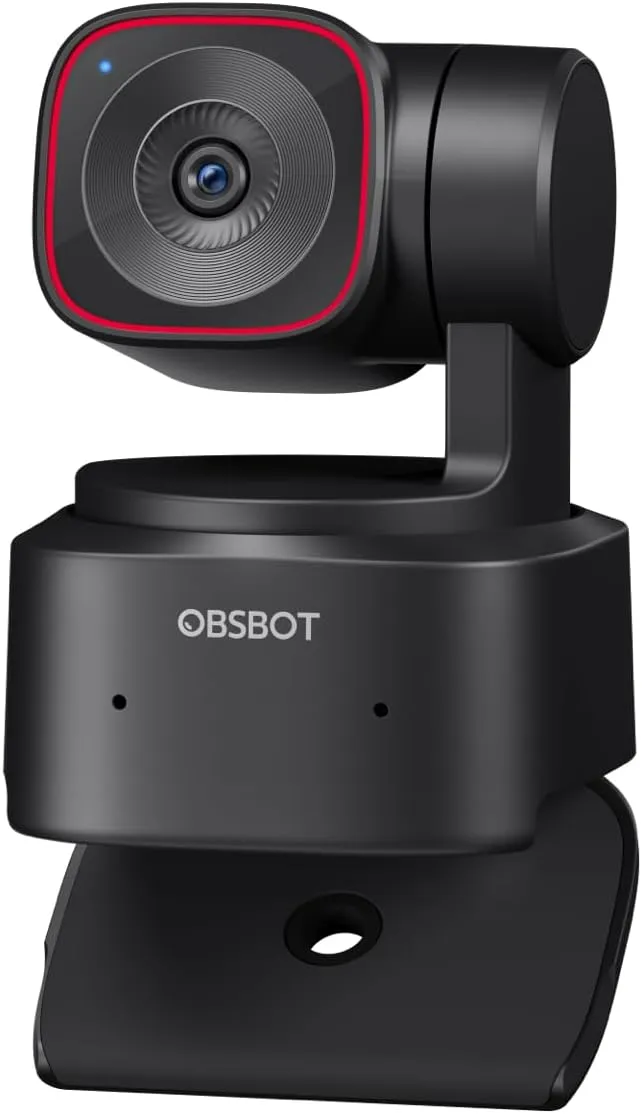
AI tracking physically pans and tilts the camera to keep you centered as you move. It is essential for presenters who stand up, walk to a whiteboard, or record themselves while teaching. It is wasted money if you sit at a desk the whole call. The OBSBOT Tiny 2 Lite is the value pick in this category with HDR 4K at 60 fps.
What extras actually matter for daily use?
Check for extras that change daily life: a privacy cover (essential for hybrid workers), a manual tripod mount, and dual microphones so you can skip a headset mic for short calls. A USB-C connection (not micro-USB) is also a small quality-of-life win for laptop-only users.
How to spend your budget on a webcam
A short budget guide:
- Under $50: EMEET C960 class — 4K with PDAF and light correction. Best for desk meetings.
- $50-150: step up to better low-light handling and a privacy cover. Skip the AI tracking.
- $150-300: OBSBOT Tiny 2 Lite class — adds AI tracking and 4K HDR at 60 fps. Best for presenters.
- Above $300: only worth it if you are streaming full-time or recording podcasts on the webcam.
As an Amazon Associate, I earn from qualifying purchases.
Frequently Asked Questions
For YouTube and Twitch, 1080p at 60fps is more important than 4K — most platforms cap streaming at 1080p. 4K helps if you record and crop.


