The features that matter most on an ergonomic office chair are adjustable lumbar support (height + depth), seat depth that fits your thigh length, recline range up to 135-160 degrees, and adjustable-height armrests — but the right chair also depends on your height, weight, and how long you sit each day.
You sit in your office chair for thousands of hours a year. It is worth buying properly — and worth understanding what you are paying for.
What is the most important feature on an ergonomic office chair?
Lumbar support is the feature that matters most for your lower back. Look for support that adjusts in height and depth — static bumps rarely align with your spine. Lumbar support that you can move forward/back and up/down tracks the natural curve of the lower back, which is where most office-chair back pain originates.
What seat depth is right for you?
A seat around 45-50cm wide with adjustable depth fits most body types. The right depth leaves a 2-3 finger gap between the front edge of the seat and the back of your knee. If the front edge digs into your thighs, the seat is too deep. If there is a large gap, the seat is too short for you.
How much recline should an office chair have?
Recline range matters more than people think. A chair that locks at 100 degrees traps you in one position all day; one that reclines to 135-160 degrees lets you shift postures, which is what actually prevents stiffness. Office workers who can recline at least 20 degrees during the day report 25 to 40% less lower-back discomfort in peer-reviewed studies.
Do armrests matter on a chair?
Armrests should adjust at least in height. If you type, the armrests should sit just below your elbows — a common chair buying mistake is fixed armrests that force you to lean. 4D armrests (height, depth, width, and pivot) are worth the upgrade for anyone who types more than two hours a day.
What are the bonus features worth paying for?
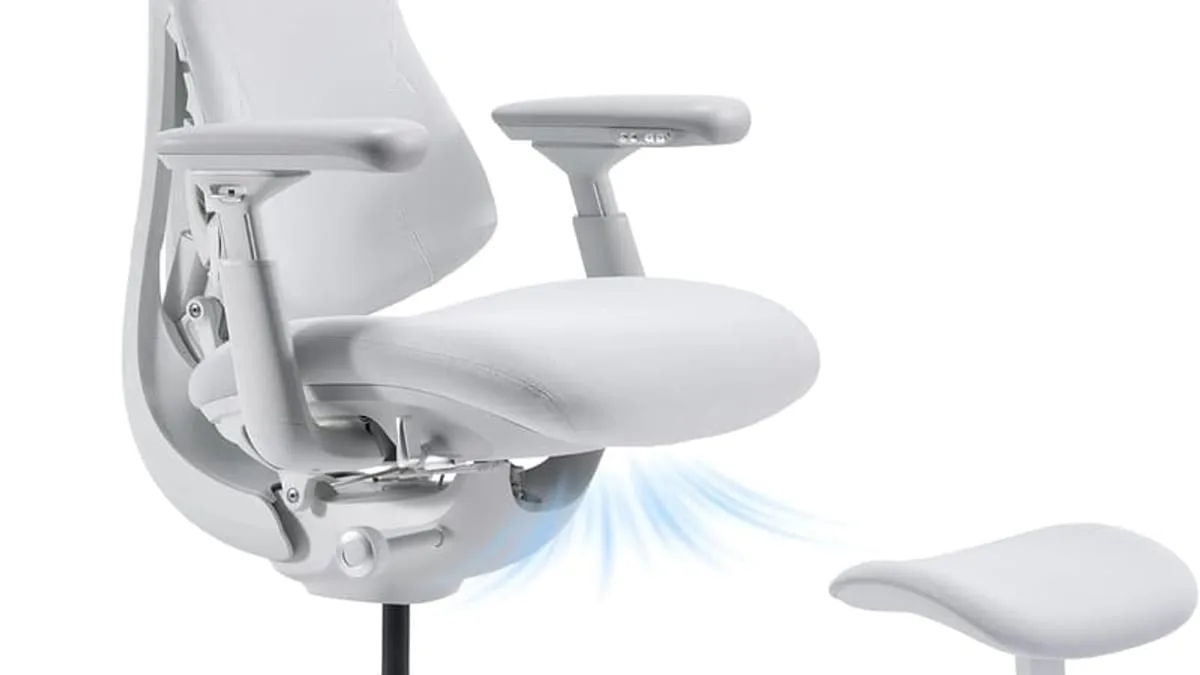
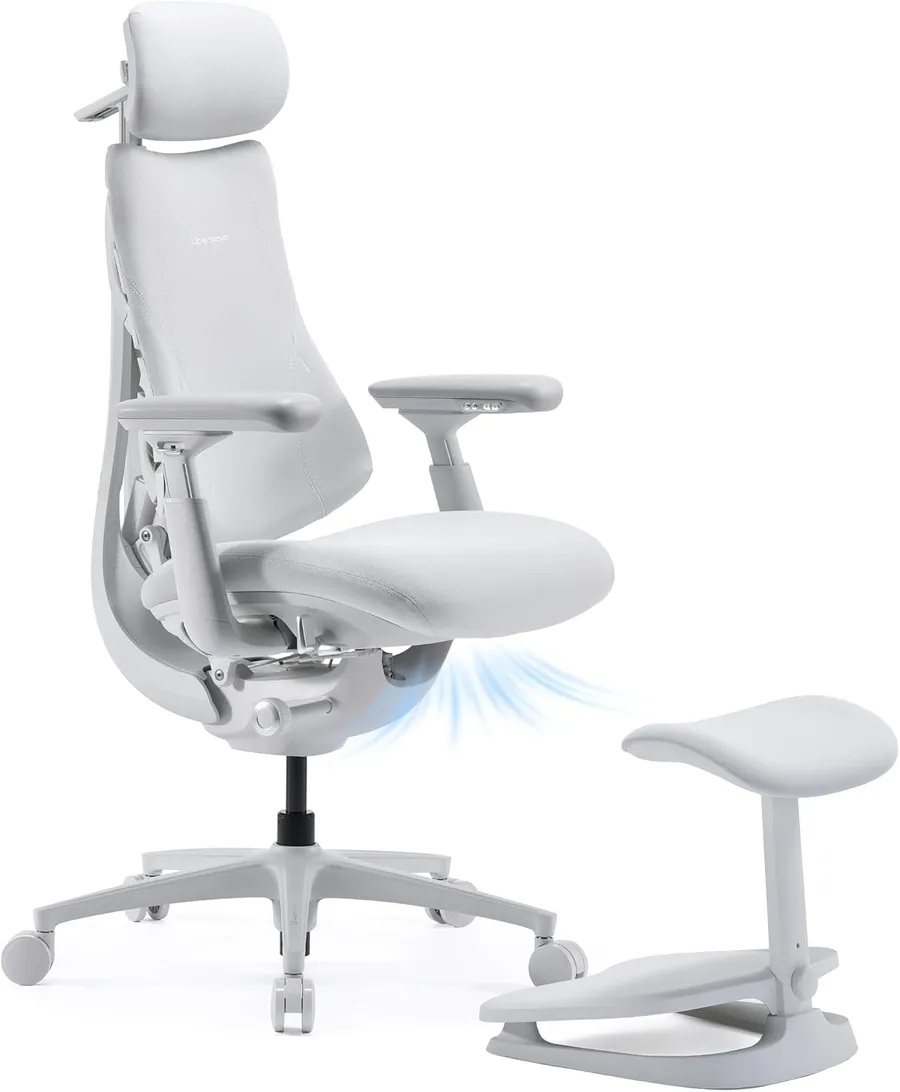
A few chairs go further. The LiberNovo Omni PRO adds a built-in two-speed fan for airflow ventilation (no more swampy back in summer) and a footrest for stretch breaks — thoughtful extras for long sessions. Headrest adjustability, seat-forward tilt, and adjustable backrest tension are also worth having.
How to prioritize the upgrade path
Whatever you choose, the upgrade path is simple: chair first, monitor height second, then keyboard and mouse. Most back pain disappears once the chair and screen heights are right. A short feature checklist for the buying decision:
- Adjustable lumbar support (height + depth): non-negotiable for back health.
- Seat depth adjustment: 2-3 finger gap behind the knee is the right fit.
- Recline range to at least 130 degrees: lets you shift posture through the day.
- Adjustable armrests: 4D (height/depth/width/pivot) if you can afford it.
- Warranty: 5+ years on the frame, 2+ years on gas lift and any electronics.
- Breathable mesh or ventilated foam: reduces the sweaty-back problem in summer.
As an Amazon Associate, I earn from qualifying purchases.
Frequently Asked Questions
A quality ergonomic chair with adjustable lumbar support and armrests usually starts around $150-200. Below that, look carefully at seat quality.


