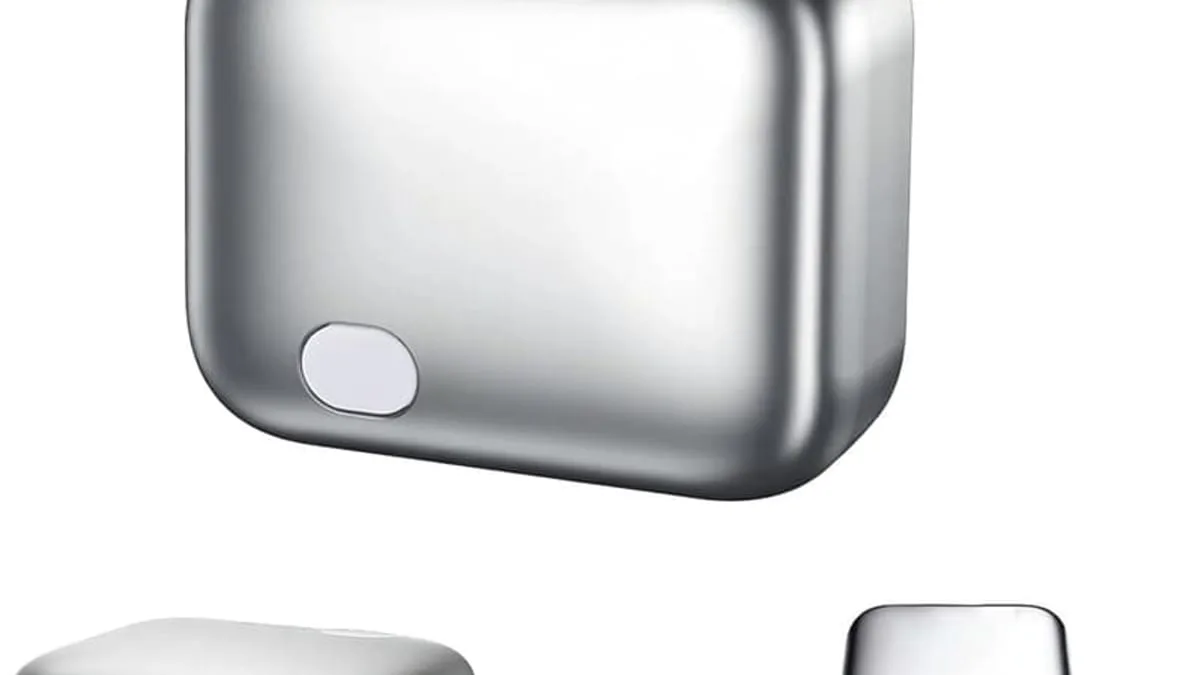
GaN (gallium nitride) chargers in 2026 deliver up to 140W in roughly the size of a 65W silicon charger, run cooler, support multi-port setups (one brick replaces laptop, tablet, phone chargers), and often include overcharge protection — but the right pick also depends on your devices’ USB-C PD requirements, whether you travel internationally, and how many ports you actually need.
GaN — gallium nitride — is a semiconductor that replaced silicon in high-speed charging circuitry. The result: chargers that deliver far more power in a much smaller body.
What is GaN in a charger?
Silicon chargers get inefficient and hot as power climbs past 30W. GaN switches at higher frequencies with less energy loss, which is why a 140W GaN charger is roughly the size of a 65W silicon charger from a few years ago. The same physics that let GaN power 5G cell towers also lets it switch power at high frequencies inside a tiny brick.
What can a 140W GaN charger actually do?
What this means in practice: one GaN brick can replace the three chargers you own. A 140W USB-C charger with two ports handles your laptop, tablet and phone from a single wall plug. 140W is enough to fast-charge a 16-inch MacBook Pro and a phone simultaneously without throttling.
Why does overcharge protection matter?
The other big feature hiding inside modern GaN chargers is overcharge protection. The best ones add a physical cut-off switch or an automatic power-off timer — when your device hits full charge, the charger literally stops feeding it. This is healthier for lithium batteries than trickle-charging at 100% for hours.
Do you actually need a GaN charger?
Do you need GaN? If you travel with more than one device, yes — it saves bag space and replaces multiple bricks. If you only charge a phone, a standard 20W charger is fine. The ROI on GaN is travel: one brick instead of three is a real bag-space win.
Are all GaN chargers safe?
Safety first: buy from brands with active protection circuits and official certifications. An unbranded 140W charger is not the same as a certified one. Look for UL, ETL or FCC listings on the packaging and check that the brand has a US-based support line in case of a warranty claim.
Is GaN a marketing buzzword?
Ignore "GaN" as a buzzword on cheap chargers — the semiconductor matters less than thermal design and safety certifications. A cheap GaN charger without thermal protection can hit 70°C under load, which is hot enough to damage the cable and the device being charged.
Quick GaN charger checklist
- Wattage per port: 100W+ for laptops, 20-30W for phones and tablets.
- Port count: 2-3 USB-C PD ports handle most travel setups.
- Overcharge protection: physical cut-off switch or auto-off timer.
- Safety certifications: UL, ETL or FCC listing on the packaging.
- Thermal design: vents, thermal pads or graphene coatings for 100W+ output.
- Foldable prongs: travel-friendly form factor that does not snap in a bag.
As an Amazon Associate, I earn from qualifying purchases.
Frequently Asked Questions
GaN itself is not faster — it enables higher wattage in smaller sizes. A 140W GaN charger charges faster because it delivers more power.


