To extend laptop battery life in 2026: keep the charge between 20-80%, manage heat with a laptop stand, use the power-saving profile for office work, quit background apps, disable Bluetooth and 120Hz when unused, and avoid long-term 100% storage — but the right routine also depends on your laptop’s charge-limit support, the apps you run, and whether you run on battery or stay plugged in.
Laptop batteries are rated for a fixed number of charge cycles. The habits below slow that clock down — most of them cost nothing.
What is the 20-80% rule for laptop batteries?
Keep your battery between 20% and 80%. Full 100% charges and deep 0% discharges stress lithium cells the most. If you live on a desk, set the charge limit in your laptops settings — most 2024+ laptops from Apple, Dell and Lenovo support a charge limit slider in software.
Why is heat the real battery killer?
Heat is the real killer. Never leave a laptop on a blanket, in a hot car or under direct sun. A $5 laptop stand that lifts the rear improves airflow noticeably. Lithium cells degrade fastest above 95°F, which a blanket blocks the fans from reaching.
What power settings actually save battery?
Use the power-saving profile for office work, not just video. Screen brightness at 60% and a 5-minute display timeout save hours of runtime. Most laptops have three profiles — high performance, balanced, power saver — and switching to power saver at 30% battery is a habit that adds 1-2 hours of usable time.
Which background apps drain the most battery?
Quit background apps you are not using: browser tabs, sync clients and chat apps all wake the CPU. Check your task manager for the culprits. The biggest drainers are usually cloud sync clients (Dropbox, OneDrive) and video calls that keep the webcam active in the background.
Does turning off Bluetooth and 120Hz help?
Reduce battery-killing services: disable Bluetooth when unused, and drop from 120Hz to 60Hz refresh if your screen allows it. A 120Hz display panel uses 15-20% more power than 60Hz on the same brightness, which is why gaming laptops with 240Hz screens drop noticeably faster than 60Hz office laptops.
What is a good USB-C fast charger for laptops?
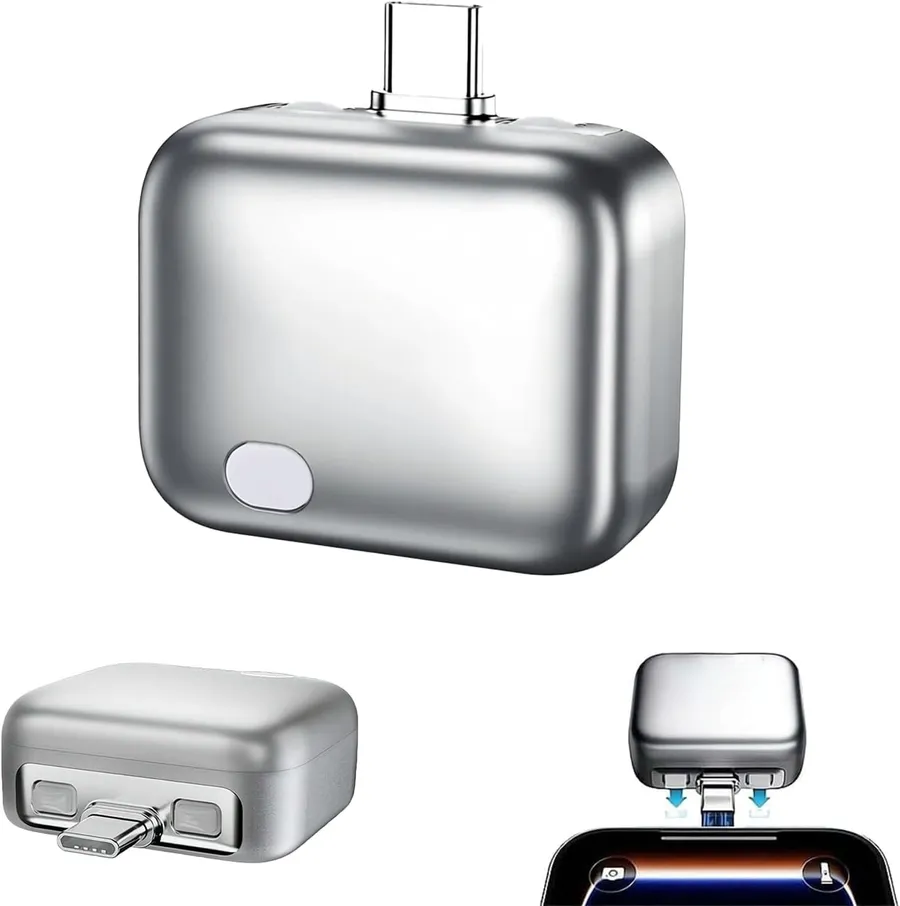
When you do charge away from a wall, use a proper fast charger. A 140W USB-C charger with auto stop protects against overcharging while recharging your laptop, tablet and phone from one brick. Auto-stop chargers literally cut power when the device hits full charge, which is healthier than trickle-charging at 100%.
How should you store a laptop you wont use for months?
Do not store a laptop for months at 100%. Keep long-term storage around 50-60% charge in a cool place. Lithium cells self-discharge slowly during storage, so checking once every 3 months and topping back to 50% keeps the cells healthy during long idle periods.
Quick battery-health checklist
- 20-80% charge limit: turn on the charge-limit slider in your laptops software.
- Cool running: laptop stand or hard desk surface, never a blanket.
- Power-saver profile: switch at 30% battery for 1-2 extra hours.
- Quit background apps: cloud sync and video calls are the biggest drainers.
- Disable Bluetooth and 120Hz: 15-20% power savings with no perceived loss.
- Auto-stop charger: physical cut-off at full charge instead of trickle-charging.
As an Amazon Associate, I earn from qualifying purchases.
Frequently Asked Questions
Modern laptops stop charging at 100%, but keeping the battery pegged at 100% still wears it faster than holding 80%. Set a charge limit if you have one.


