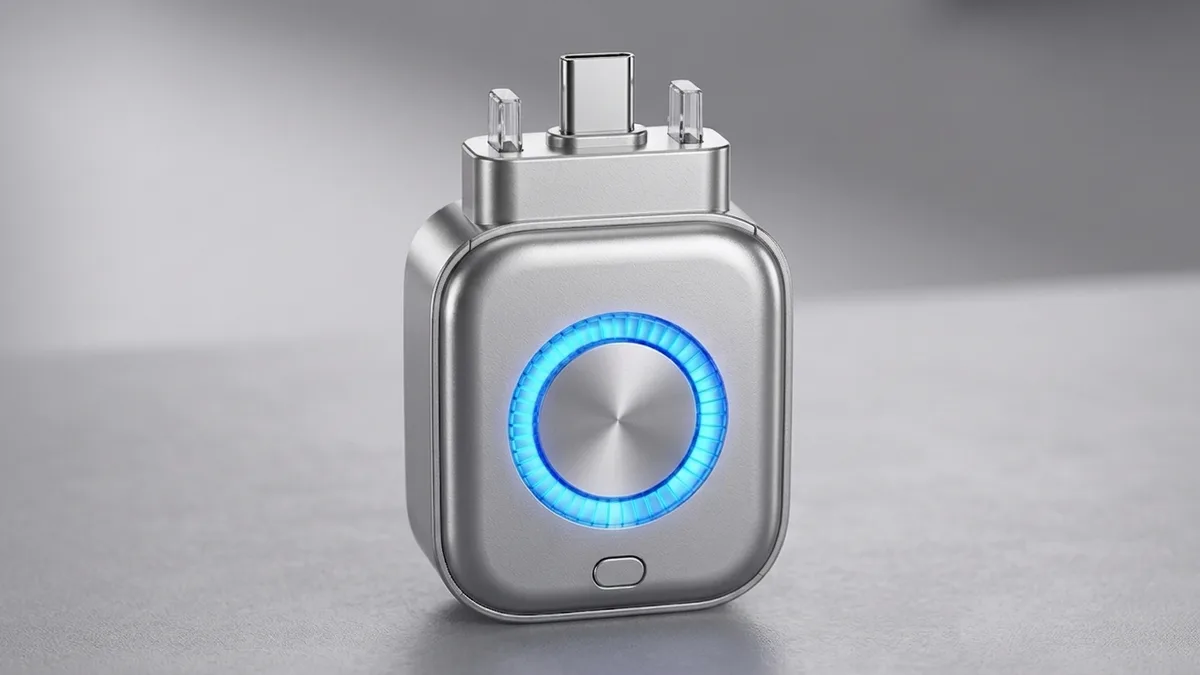
What Is a Smart Auto Stop Charging Adapter?
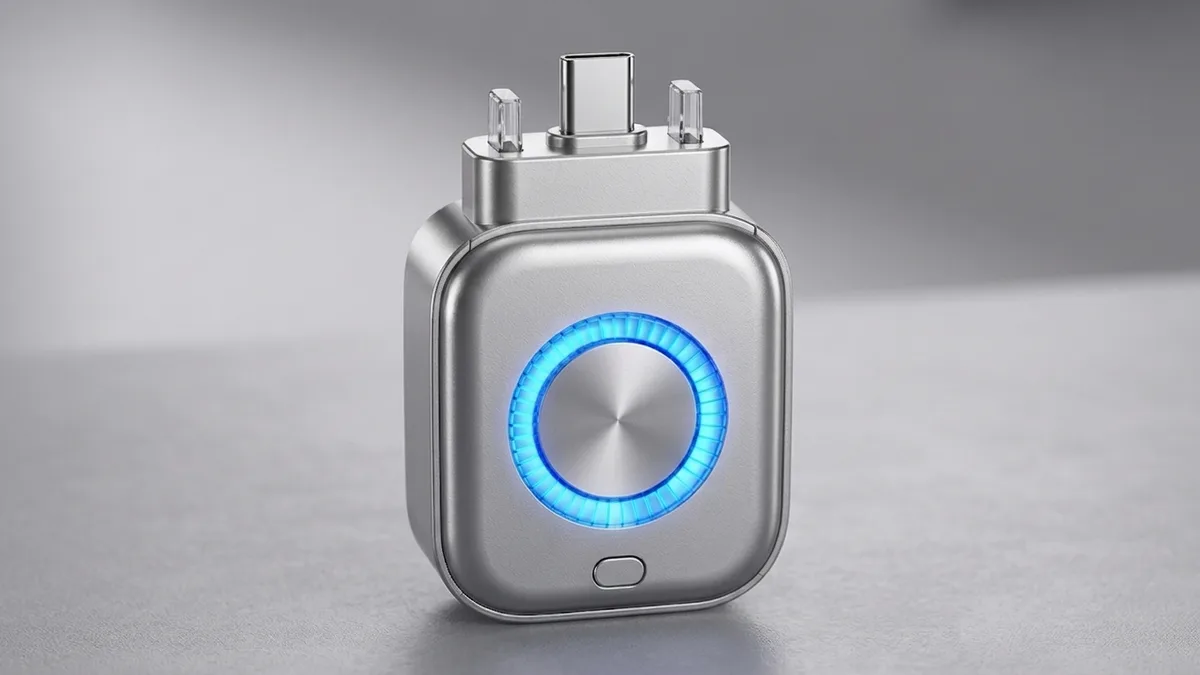
A smart auto stop charging adapter is a small device that sits between your charger or cable and the device being charged. According to the listing, it cuts power once the device is fully charged, and the same listing claims USB-C support up to 140W for phones, tablets and laptops with plug and play setup. It is not a wall charger itself — it is one extra piece in the chain between the brick you already own and the thing you are charging.
It is worth separating what this adapter is from what it is not. It does not replace your charger, and it does not change how fast your devices charge: the wattage claim describes what it can pass through, not a speed boost. What it claims to add is a cut-off at the end of charging, which is a small mechanical addition rather than a new way to charge.
This post covers where that piece fits in an ordinary setup, what the manufacturer claims, what is actually proven, and who is likely to find it worth buying.
Charging Overnight: The Everyday Setup
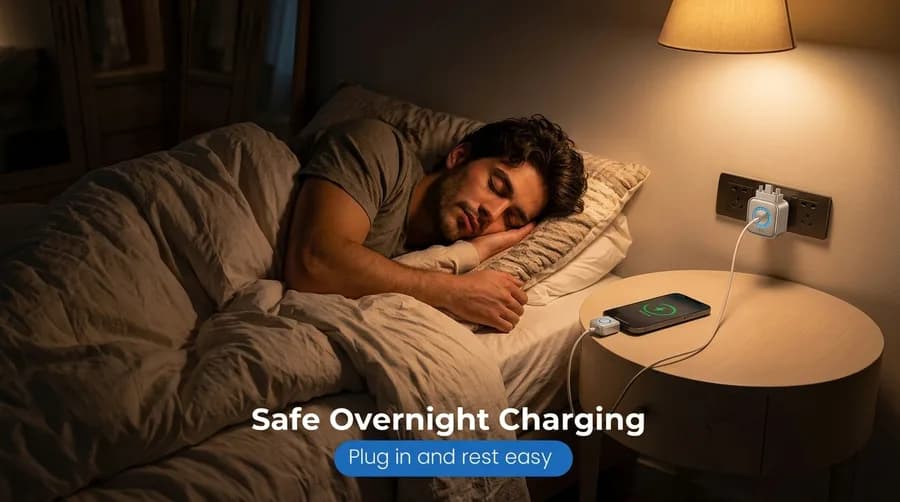
This is the scenario these adapters are usually sold for: a phone or tablet charging on a bedside outlet while you sleep, with the adapter in the outlet and a cable running from it toward the device. Overnight is where an extra cut-off makes the most sense, because that is when a device can sit at full charge for hours while nobody is watching it. If your devices are charged during the day and unplugged once they are full, the same adapter has far less to do.
How the Cut-Off Works
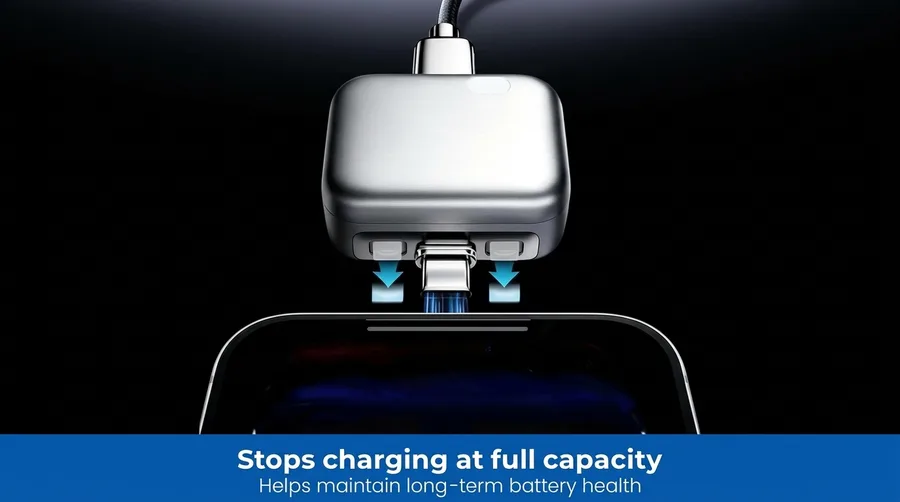
Here the adapter is shown connected at the phone’s charging port, which is exactly where it sits in the chain: charger or cable on one side, device on the other. According to the listing, that position is what lets it decide that the battery has reached full and cut the power instead of continuing to feed current. The small indicator on the body is how the adapter shows it is working, and the listing describes the whole setup as plug and play with nothing to configure.
The Claim: Power Stops at Full Charge
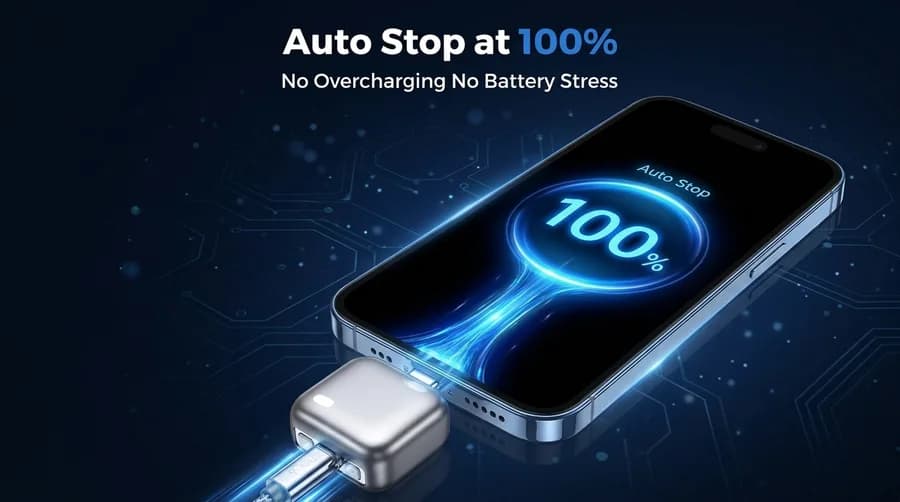
The screen in this image shows the moment the feature is named after — a device sitting at 100%, which is the point at which the adapter claims to cut power. Treat that as the listing’s claim rather than a measurement, because we have not tested this adapter and cannot confirm how it behaves in practice. What the image does show clearly is the physical arrangement: the adapter is inline at the port, the phone is the device being charged, and the cut-off is meant to happen at the device rather than at the wall.
What It Looks Like in the Hand

The adapter is small enough to hold between a thumb and a finger, and this image puts it next to a coin so the size is easy to judge. That matters if you plan to keep it attached to a cable in a bag, or if you want it to live permanently in a bedside outlet without blocking the socket next to it. It is a single-piece accessory rather than a brick, which is the point of putting the cut-off in the cable rather than inside the charger.
Do Phones Already Stop Charging on Their Own?
Largely, yes. Modern phones and laptops already manage their own charging and stop drawing power once they reach full charge, so this adapter is not fixing a device that would otherwise keep pulling current indefinitely. What it adds is a second, physical cut-off that does not rely on the device’s own charging logic. That makes it a small addition rather than a dramatic one, and it is worth saying plainly before you spend anything.
What to look for in the charger itself: GaN charging explained →
Manufacturer Claims, and What Is Proven
Listings for these adapters make a battery-health argument: that cutting power at full charge reduces the time a battery spends sitting at 100%. Manufacturers of these adapters say that, but we found no independent test confirming a battery-life benefit, so the honest position is that it stays a manufacturer claim rather than a proven result — and it is not something we can confirm without testing. The part that is not in dispute is the arrangement itself: the adapter sits in the power path, and the listing claims it stops feeding current at full charge.
What to Check Before Buying
This is general advice rather than a statement about any one listing. Look for safety certification marks on the listing itself, and check that the rated watts and the connector type match the devices you actually want to use it with — a USB-C adapter is not much help next to a device that charges over a different connector. Read the return policy as well, since this is the kind of accessory you may want to try and then decide about. And take care with unbranded products: many similar adapters exist on Amazon under different names, so read the exact listing you are buying rather than an identical-looking one.
Price and Where to Buy
The adapter is sold on Amazon. We are not quoting a price here because prices move and the listing is the only place to see what is currently offered — use the link below to check the current price and the full listing details.
As an Amazon Associate, I earn from qualifying purchases.
Is It Worth It?
If you charge a phone, tablet or laptop overnight and like the idea of a physical cut-off that sits in the cable rather than inside the charger, this adapter does what the listing says it does at the point of full charge, and it is a cheap thing to try — that is the case for it. If your devices are already charged and unplugged during the day, or you want proof of a battery-life benefit before you buy, there is not much here for you: modern devices already stop at full charge, and no independent testing backs the battery-health argument. Treat it as an inexpensive extra layer rather than a fix for a problem you probably have.
Frequently Asked Questions
It sits between your charger or cable and your device, and according to the listing it cuts power once the device is fully charged.