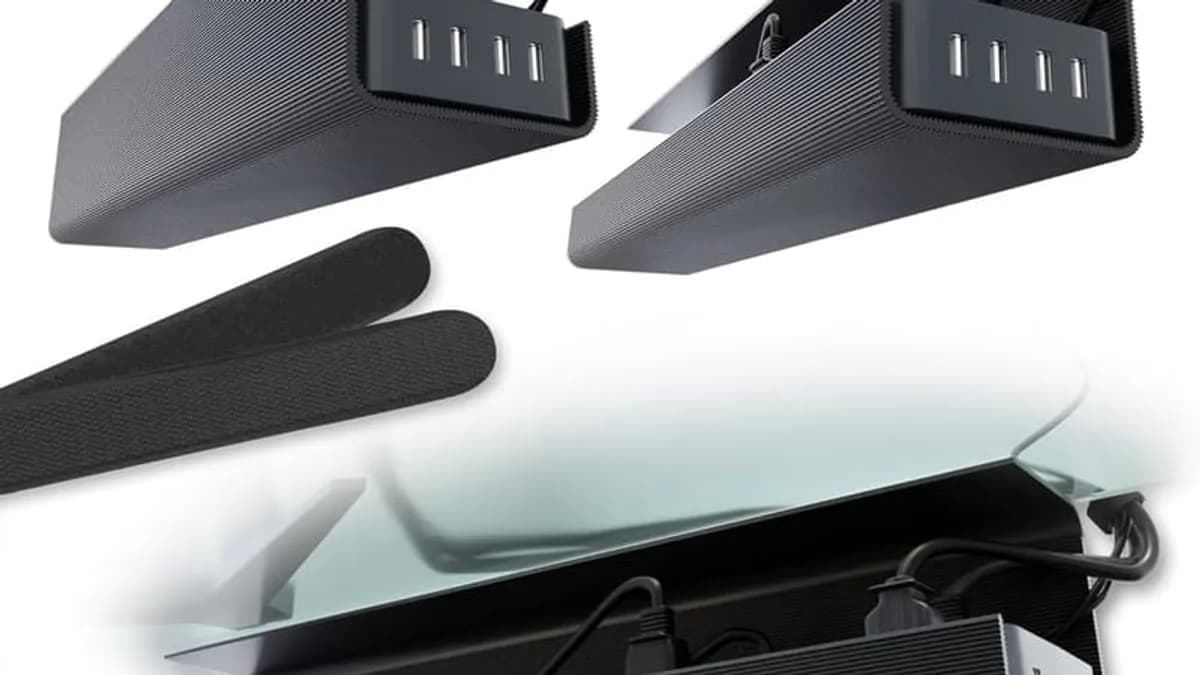
To fix messy desk cables in 10 minutes: unplug everything, mount an under-desk cable tray, separate power from data cables, label both ends with tape flags, coil extra length with velcro ties, and rerun the cables in clean lines — but the right setup also depends on whether your desk has sit-stand capability, grommet holes, and how many power bricks you need to hide.
Messy desk cables are a daily micro-annoyance: they tangle your feet, collect dust and make your workspace feel unfinished. The fix takes 10 minutes and under $35.
Step 1: Unplug everything
You cannot organize a nest; you can only build one from clean lines. Pull every cable out of every device, place them on the desk in front of you, and count how many you actually need. Most desk setups have 2-3 cables in use and 4-6 cables that have been dormant for months.
Step 2: Mount an under-desk cable tray
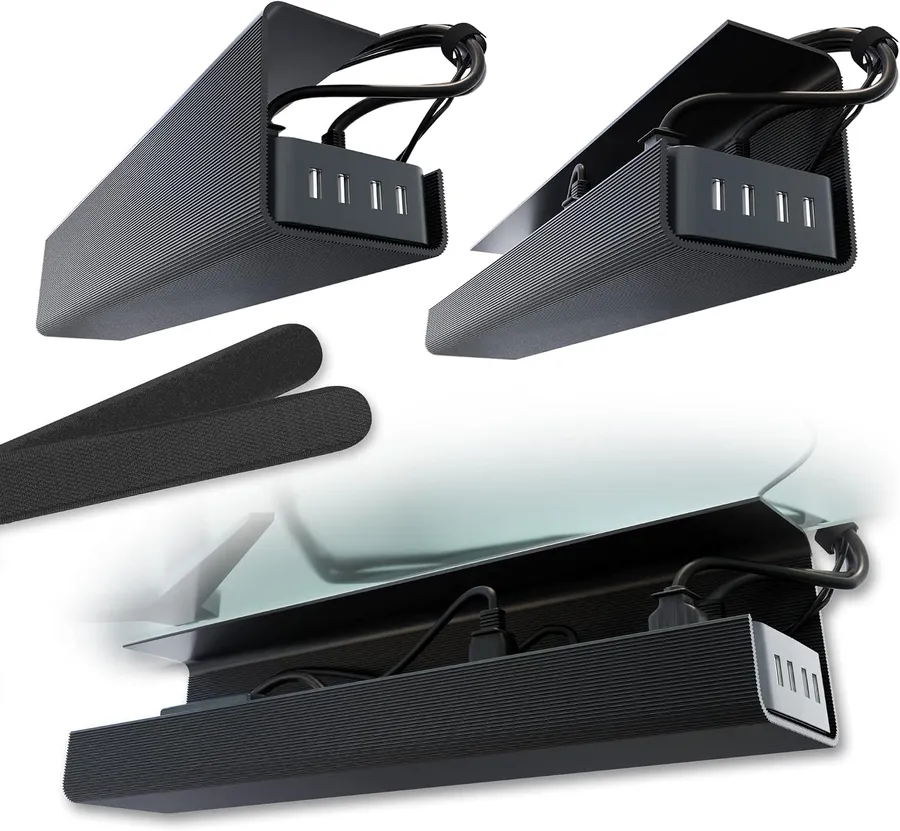
The Scanfield tray installs with strong adhesive (no screws, no drilling), cures in 24 hours, and its 5-inch interior holds even the biggest power strips and adapter bricks. Sit-stand desks need a slightly different mount — use a flexible zip-mount tray so the desk can move without pulling cables.
Step 3: Route power and data separately
Power strips go in the tray; data cables run along the underside of the desk with adhesive clips. Never run power and data cables parallel in the same bundle — interference is rare but real. Cross power and data cables at 90-degree angles when they must intersect.
Step 4: Label both ends of every cable
Tape flags are free and save you the "which one is the monitor" pull-out test forever. Write the device name on both ends — when you unplug a cable in a year, you will know exactly which brick it belongs to.
Step 5: Coil the slack with velcro ties
Cut the surplus. Coil extra length with velcro ties, not zip ties you cannot reopen. A 6-inch velcro loop handles the 6-foot HDMI cable that you only need 3 feet of — and it opens back up when you rearrange.
Step 6: Reconnect and audit the result
Plug devices back in one at a time, from power to data. Step back and check for sagging cables, then add adhesive clips wherever a cable wants to droop. The 2-pack means you can also do a TV stand or a home-office corner.
Quick cable management checklist
- Under-desk tray: 5-inch interior holds power strips and bricks.
- No-drill adhesive: 24-hour cure, holds on wood and metal.
- Power vs data separation: cross at 90 degrees, never parallel.
- Tape flags on both ends: ends the "which cable is this" guessing.
- Velcro ties, not zip ties: reopen when you rearrange.
- Adhesive cable clips: stop cables sagging under the desk.
As an Amazon Associate, I earn from qualifying purchases.
Frequently Asked Questions
Yes — quality trays use 24-hour cure adhesive that bonds strongly to wood and metal desks. Wait a full day before loading them.


